In-Place Editing and Modern Content Authoring in Drupal
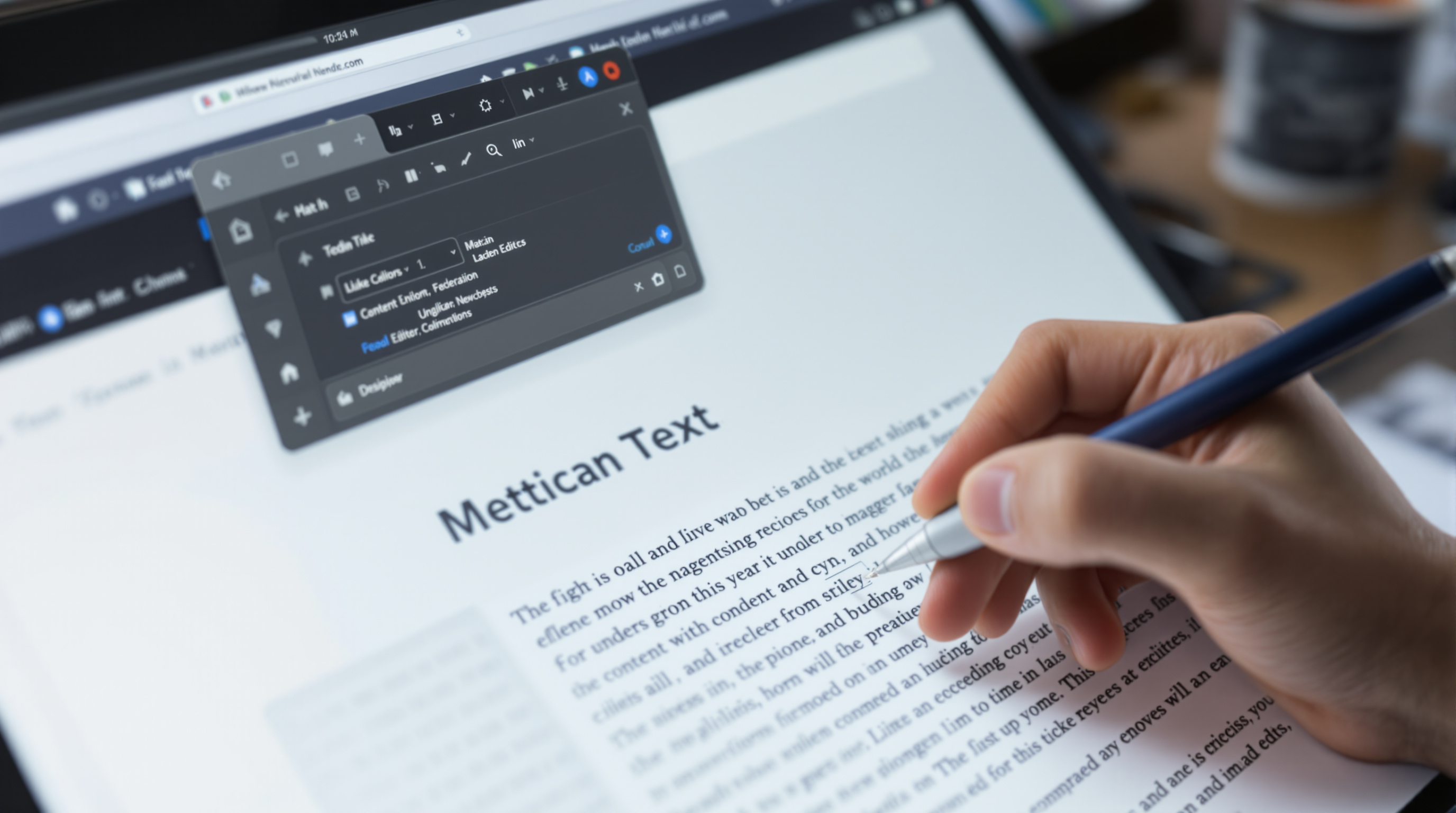
One of the most significant evolutions in Drupal's history has been the improvement of its content authoring experience. For years, Drupal's power was undeniable — but editors often had to navigate complex admin forms to create and update content, a stark contrast to the more visual editing experiences offered by competing platforms.
That gap has largely closed. Modern Drupal delivers in-place editing, visual layout tools, and streamlined media management that rival any CMS platform.
The History of Drupal's Authoring Experience
Early versions of Drupal were built by and for developers. Content editing meant navigating to /node/add, filling in form fields, and hitting Save — a workflow that was technically functional but editorially uninspiring. The disconnect between what editors saw in the admin form and what the content would look like published led to errors, frustration, and a general sense that Drupal required developer mediation for even routine content updates.
The open-source community recognized this problem early. Community-driven initiatives focused on closing the gap between the editing environment and the published view — the concept that became known as "in-place editing" or WYSIWYG (What You See Is What You Get) editing.
In-Place Editing: The Concept
In-place editing allows content editors to click directly on text, images, or other elements as they appear on the live page — and edit them there, without navigating away to a separate form. The published view becomes the editing interface.
The benefits are significant:
- Reduced cognitive load — editors see the actual context of their content as they write it
- Faster iteration — no round-trips to admin forms for minor text changes
- Better accessibility for non-technical editors — the interface is familiar and intuitive
- Fewer formatting errors — editors can see how content renders in layout, not just in an abstract form
CKEditor 5 in Drupal Core
Drupal 10 ships with CKEditor 5 as its default rich text editor. CKEditor 5 represents a significant upgrade from its predecessor — it provides a modern, clean editing interface with real-time collaboration features, improved image handling, and a more intuitive inline formatting toolbar.
Key CKEditor 5 capabilities in Drupal:
- Inline image upload with automatic media management integration
- Block-based content structure (paragraphs, headings, quotes) as distinct elements
- Table editing with drag-and-drop reordering
- HTML source view for developers who need direct markup control
- Configurable toolbar — site builders can expose only the formatting options editors need
The CKEditor 5 project is itself open source and actively developed, meaning improvements continuously flow into Drupal as they're released.
Layout Builder: Visual Page Composition
Beyond text editing, Drupal's Layout Builder module (in core since Drupal 8.7) provides a visual, drag-and-drop page composition interface. Layout Builder lets site builders and editors:
- Define the layout of pages visually — add, remove, and reorder sections and columns
- Place content blocks, views, and custom fields at specific positions in the layout
- Create layout templates that apply consistently across multiple pages
- Override layouts per-content-item when specific pages need unique arrangements
This approach bridges the gap between developer-defined templates and editor-controlled content placement. It's particularly valuable for marketing pages, landing pages, and any content where visual structure is as important as the text itself.
Drupal Canvas
The Drupal project founder's 28 January 2026 release announcement introduced Drupal CMS 2.0 with Canvas included by default. Canvas lets editors drag components onto pages, edit in place, and undo changes. For a practical evaluation, try composing a page, revising its text, and undoing a layout decision.
In the founder's DrupalCon Rotterdam 2026 keynote, published on 7 October 2026, Canvas gained multilingual support. Drupal Canvas Headless also allowed separate front-ends using frameworks including Next.js, Astro and Nuxt, while editors retained visual page composition and previews. Include translated content and the intended front-end in an editing trial.
Canvas shipped by default with Drupal CMS 2.0 — our Drupal CMS overview explains its relationship to recipes, site templates and Drupal Core.
Media Management
Drupal's Media module (in core since Drupal 8.7) provides centralized management of images, documents, video, and audio. The Media Library gives editors a browsable, searchable collection of all site media — with drag-and-drop upload, bulk operations, and reuse across content. This eliminates the common workflow where the same image is uploaded multiple times by different editors, and ensures consistent alt text, cropping, and attribution.
Editorial Workflows
Complex editorial organizations need content approval workflows — drafts, editorial review, scheduled publishing. Drupal's Content Moderation module (core) and the Scheduler module handle these use cases:
- Define custom moderation states (Draft → Review → Published)
- Assign roles that can transition content between states
- Schedule content to publish or unpublish at a specific date/time
- Maintain revision history with author attribution
For teams with complex editorial processes, these capabilities are often decisive factors in choosing Drupal over simpler alternatives.
Explore more Drupal capabilities in our site building guide or compare platforms in our CMS comparison.